

How do you make a podcast?
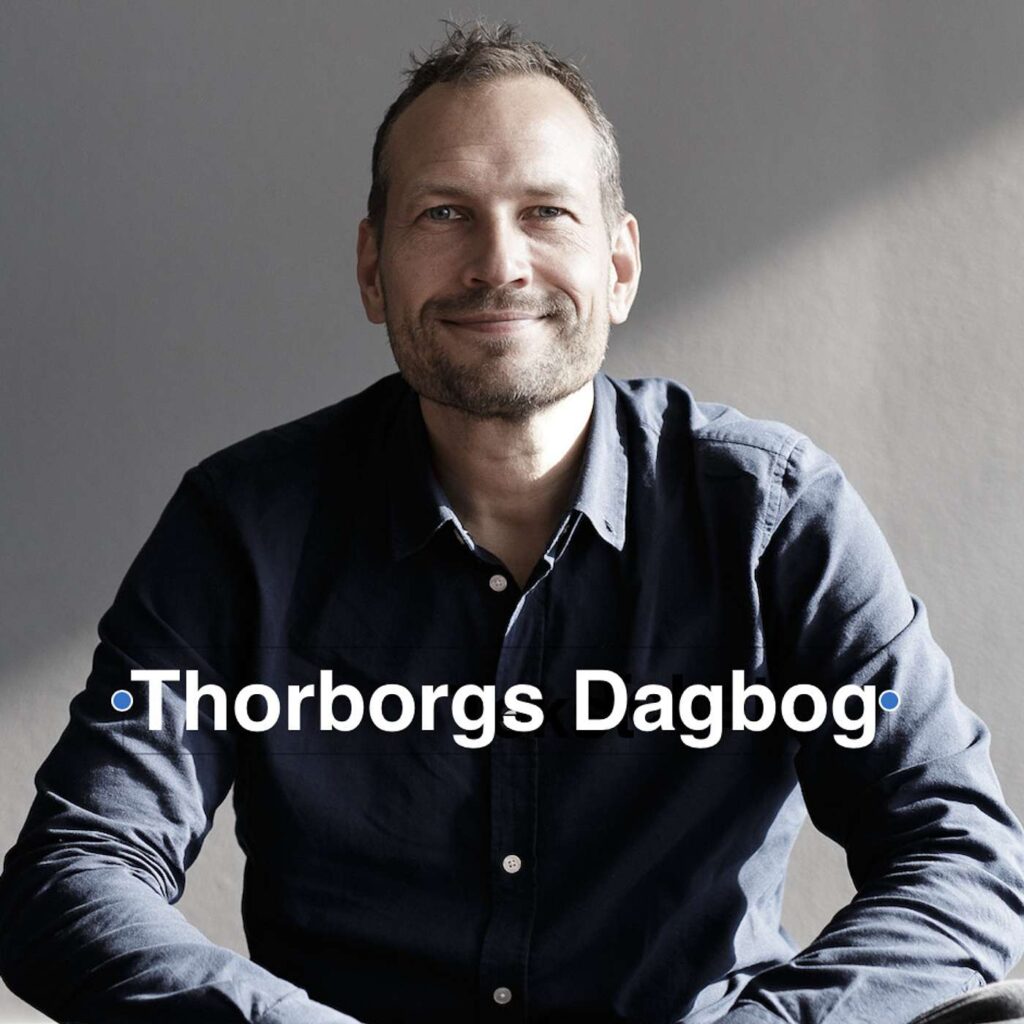
You don’t need a studio, an expensive microphone and lots of technical knowledge to make a podcast. I record directly on my iPhone and use a couple of simple tools afterwards. The most important thing is having something to say.
It’s 20 November 2023, and I want to explain how I make my podcast. Perhaps you have an idea but think you first need to buy a mixer, build a studio and sort out soundproofing and all sorts of other things.
There are many ways to make a podcast. If you’re an audio enthusiast who wants to geek out over the perfect recording, my method probably isn’t what you’re looking for. I want to show how to get started without technical knowledge and without turning it into a major production project.
Making a podcast: I record directly on my iPhone
Right now I’m sitting in my electric Fiat 500 on my way to Dinero, talking into my iPhone. I use the phone’s built-in audio recording app. I press record and start talking. When I’m done, I stop the recording.
That’s the entire recording setup. No expensive microphone, no mixer and no studio.
I also often record in my jacuzzi out in the garden. There are seagulls screeching, birds chirping, traffic from Strandvejen and pumps humming. I don’t exactly turn all the bubbles on while recording, but the system is still filtering the water, and normally you can hear that.
It doesn’t sound like the obvious place to produce good audio. But that’s where the tools I use afterwards make a big difference.
I use an iPhone, but I imagine you can also find a simple recording app for an Android phone. My point is that you can start with the phone you already have.
Buzzsprout gets the podcast out to listeners
I’ve chosen Buzzsprout as my platform. That’s where I upload the podcast, and from there people can find and listen to it.
When I was getting started, I searched for a service that was popular and easy for a clueless amateur like me. Buzzsprout came up, I tried it, and pretty quickly I was up and running.
I’m not paid to mention it. It’s just the service I use. There may well be others that are cheaper or smarter for what you want to do. I’m explaining my own method.
You create your podcast, choose a name and write a short description. Then you have somewhere to upload episodes. I started by trying the service and later began paying because I needed more room for my recordings.
At the time I’m recording this episode, I’m spending something like DKK 70–100 a month. I don’t remember the exact price, but my plan allows about three hours of new recordings a month. That’s been enough for what I do.
My episodes are often 15–20 minutes. Some are shorter, and some run longer. I don’t need to turn it into a daily radio programme.
You get a website, a player and statistics
Buzzsprout gives the podcast a small website you can link to. If you have your own website, you can also embed a player there so visitors can listen to the podcast without going elsewhere.
The platform also helps get the podcast out to the places people listen. Apple Podcasts, Spotify and other podcast services. That’s what’s called distribution. I don’t have to build a technical solution myself to make the episodes available.
There are statistics too. How many people have listened to an episode? How many listens have there been over a period? Which podcast apps do people use? I can go in and look at that.
If you want to do more marketing, there are tools for short clips too. Perhaps there’s a minute in an episode you find particularly interesting. You can use it as a little preview on social media with a link to the full episode.
I don’t necessarily use all the features. But I like getting a complete package and having the basics be easy to figure out.
I convert the audio file when needed
When I’ve finished recording, I move the audio file from my phone to my Mac. The phone may give me a file in a format that doesn’t fit the next step in my workflow.
So I use CloudConvert to turn an M4A file into MP3. That’s also the link I’ve put in the description for this episode.
I upload the file to the service, wait a moment and download the converted file. I don’t care that much about file formats. I just want a file I can keep working with.
It’s one of those places where it’s easy to make something more technical than it needs to be. For me, it’s just a small intermediate step so I can move on.
Adobe Podcast makes my audio much better
The next tool is Adobe Podcast. Kasper, who listened to my podcast, brought it to my attention. He had a specific suggestion for improving the quality without lots of extra work. Thank you very much for that.
I use it to improve the sound with AI. It analyses the recording, brings out the voice and reduces background noise. In my recordings, it can make an enormous difference.
I have a voice recorded on a phone, far from a studio, perhaps with cars, birds or a pump in the background. After the file has been through the tool, I find that much of that noise is gone and the voice is much clearer.
Of course, an audio engineer can do much more, and an audio enthusiast might have objections to the result. But for me, it’s really great. I get a big improvement with very little effort.
You can try the services before starting to pay. Given the amount of podcasting I do, I pay for my own solution. Altogether, my costs for the two main tools are under DKK 200 a month here in November 2023.
That’s my usage and the prices at the time. If you want to use them now, you’ll need to look at their current plans. But my experience is that getting started doesn’t have to cost a fortune.
You can buy a microphone, but you don’t have to start there
I’ve actually also bought a wireless microphone kit from Saramonic that works with my iPhone. It has two small microphones, so it could be practical if I wanted to sit down with someone else for an interview.
It cost around DKK 2,000. I’d heard good things about it, and then I got a bit carried away with gadgets. I tried setting it up, and it worked straight away. That impressed me.
But I haven’t used it to produce my episodes. I’m not doing interviews right now, and I don’t know whether I will. For what I do, the phone is enough.
I can imagine two people sitting close together could also be recorded directly on the phone and have the sound improved afterwards. But I haven’t tried that myself, so I won’t promise it.
In any case, you don’t need to buy all sorts of equipment before you’ve worked out whether you even want to make a podcast.
Expensive equipment doesn’t give you something to say
The most important question isn’t which microphone to buy. It’s what you want to say.
Some people think good content will appear by itself if they just buy the nicest equipment. But a beautiful recording isn’t worth much if there’s nothing interesting in it.
You can start with an old phone and a small budget. The hard part is working out what you want to communicate to the world and why anyone would want to listen.
I’d a thousand times rather hear a slightly badly produced podcast with someone who has something to say than the most polished podcast with the best microphones and someone who doesn’t really have anything to say.
Of course, good production can make good content even better. I just don’t want production to become the thing that stops me making the content.
You need to get used to your own voice
You might not like hearing your own voice at first either. It can feel strange. You hear an um, a throat-clear or a sentence that didn’t come out quite perfectly and think: That won’t do.
I think lots of people experience that. But you get better and get used to it once you start.
If you keep recording and then rejecting it because it isn’t perfect, you’ll never get anywhere. A single um or an awkward phrase isn’t necessarily what determines whether the podcast is good.
The content needs to carry it. A bit like a camera on the wall capturing something interesting. It’s what’s said, shown and done that makes it worth following.
Too much editing can kill your enthusiasm
Of course, you can make an intro and outro, add jingles, cut out every little mistake and fine-tune the sound. But then it becomes a completely different project.
Once I’ve recorded my episode, I spend about five minutes of actual work moving it through my process and getting it online. If I have to edit out every um and work on all the transitions, it can easily take hours.
I’ve tried that route before. I’ve also had good advice from journalists at Danmarks Radio on improving the audio and production.
The problem was that my desire to make podcasts almost disappeared when I started following all the advice. I went from concentrating on what I wanted to say to debating with myself whether there was too much bass and what the intro should be like.
That’s not the part that interests me. I’d rather say something and get feedback. Someone says I’m wrong. Someone else suggests a tool or service I didn’t know. Then I learn something.
That’s exactly how I found the Adobe tool. A listener could hear that I could easily improve the quality and sent me a good suggestion. It was an improvement that suited the way I work.
If you want a more fully produced audio experience, there are plenty of good programmes elsewhere. Above all, my podcast needs to be something I want to keep making.
My podcast is also a space for myself
I’ve made more focused podcasts before. Thorborg’s Diary is broader. In fact, it’s very much a project I do for my own sake.
When I sit and talk, I clear my head. I can’t simultaneously be preoccupied with all the everyday problems in the business. I get a space to turn over things and thoughts I want to share.
It’s a kind of therapy for me. Not in any professional sense, but as a way to relax and get my thoughts out.
I could also just talk to myself. That would feel a bit odd. Recording it gives me a reason to say it out loud, and perhaps other people get something out of it too.
I haven’t done a huge amount to market this podcast. Even so, an episode can get around three to four thousand listens after a month or so. I think that’s pretty good for a little project that I also do for my own sake.
I think through a few points and start talking
My preparation is pretty simple. I experience or read something I think is clever, stupid or interesting. Then I think through three or four points and start talking about them.
The idea for this episode came from seeing someone on Twitter working on a big podcast production. It looked like a project involving weeks of work and many thousands of kroner in equipment. I thought: Is it necessarily going to be better than what I make with my phone?
That made me want to explain my own process. I’d actually thought it would take six or seven minutes. Now I’ve been talking for considerably longer while making my way to the office.
That’s fine by me. The previous episode, about forcing innovation, could be told in around seven minutes. This story needs a bit more. I don’t try to stretch a topic to a particular length or squeeze it into a fixed format.
The content comes from whatever is on my mind
Right now, Dinero naturally takes up a lot of my attention. But I’ve also bought Capino and Saxis, so working with those businesses gives me plenty of thoughts and experiences.
Capino helps businesses find capital, investors or loans. Saxis is a place where you can buy and sell businesses. Those are some of the things I work on, and therefore talk about too.
It can benefit me commercially. If a listener needs financing or wants to buy a business, they might feel like taking a look at the services.
I don’t put external ads in the podcast. You could do that if you wanted to. But I can talk about my own work and get something out of it that way.
A couple of days later, I might see more listings on a service I’ve mentioned. Or I get some useful input for one of the projects I’m working on. Then the podcast has given me both some breathing space and a little value back for the business.
Your project doesn’t necessarily need to look like mine. But start by working out what you want to say. Keep recording simple, make publishing easy, and choose a process you actually want to repeat.
The tools I use are linked in the text. The main thing is that the technology doesn’t need to get in your way. Have a fantastic day.
Listen to the episode
Episode 31 of Thorborg’s Diary · 20 November 2023
Watch the video episode
Listen in your podcast app:
All episodes on Apple Podcasts · All episodes on Spotify · All episodes on Amazon Music · RSS Feed